Fiber settings
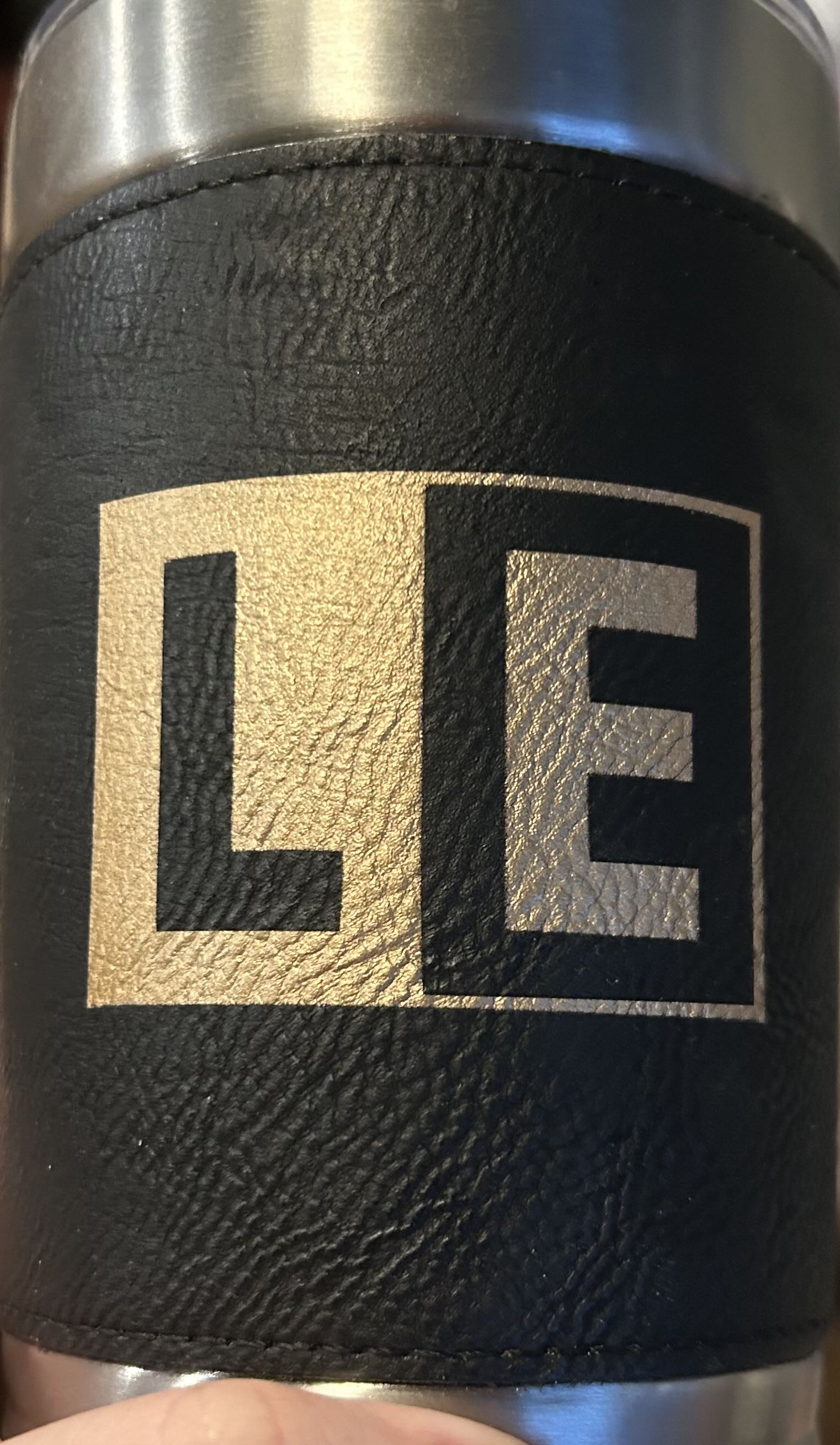
Leatherette with curves - Black on Gold
Shared by [LE] Kyle
Community settings are starting points, not safety guarantees. Confirm units, material hazards, machine compatibility and your own test results before use.
Material and process
- Material
- Leatherette (PU)
- Coating
- None
- Thickness
- Not recorded
- Revision
- 2
Published rig
- Source manufacturer
- JPT
- Source model
- YDFLP-E2-60-M7-M-R
- Laser type
- Fiber
- Power
- Not recorded
- Wavelength
- 1064 nm
- Optics
- scan
- Lens manufacturer
- Not recorded
- Lens model
- Not recorded
- Focal length
- Not recorded
- Field size
- 300 × 300 mm
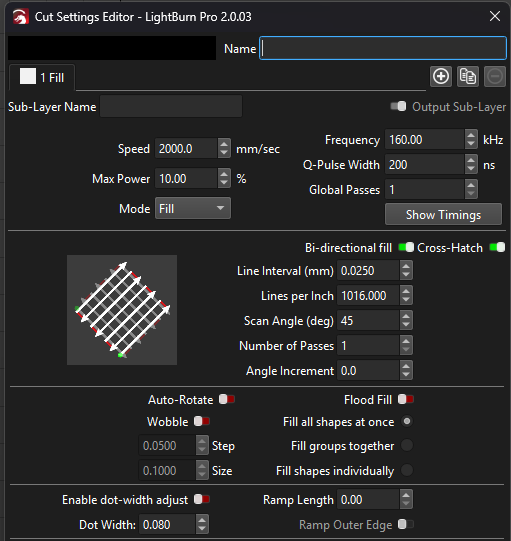
Fill 1
- Air
- No
- Auto
- No
- Name
- Fill
- Pass
- Not recorded
- Type
- bi
- Angle
- Not recorded
- Cross
- Yes
- Flood
- No
- Power
- 10
- Pulse
- 200
- Speed
- 2000
- Interval
- 0.025
- Frequency
- 160
- Increment
- Not recorded
Repeat All
- Recorded value
- 1
Material Color
- Name
- Black
- Colors
- Black
Focus Offset Raw
- Recorded value
- 0
Material Opacity
- Opacity
- Opaque
Notes
This was specifically tuned to be consistent across wrapped leatherette, such as on tumblers.
Since it works on curves, it works really well and consistently on flat leatherette too, like patches. If working across a curve, be sure to average your focus to the center of the average low and high points, typical cylinder correction process.
Scan angle shouldn't matter much, as long as you include crosshatch, and use a 300 lens.
Use this setting in your workshop
Build a rig, inspect compatibility, edit libraries and export settings in the free desktop app.
Get the desktop appImages