Fiber settings
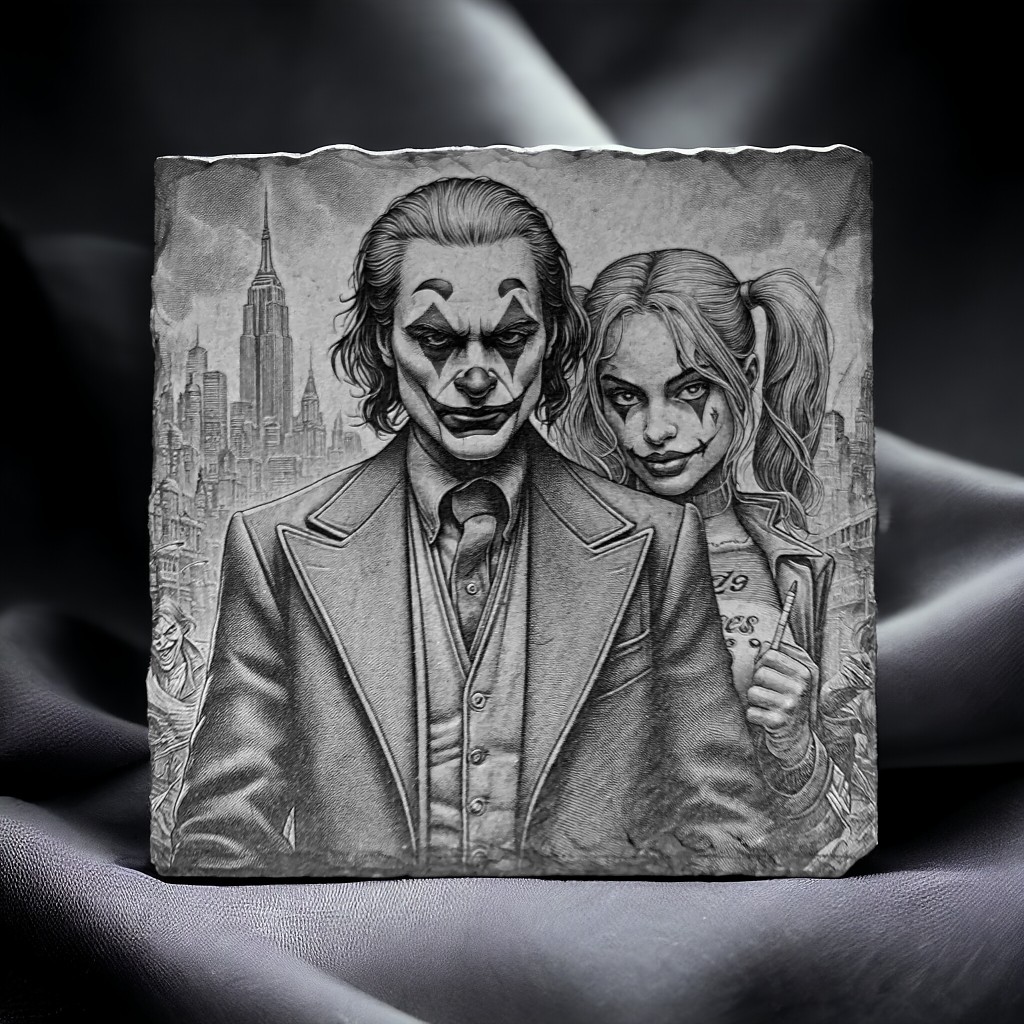
Slate - Raster Image
Shared by Ernie
Community settings are starting points, not safety guarantees. Confirm units, material hazards, machine compatibility and your own test results before use.
Material and process
- Material
- Slate
- Coating
- None
- Thickness
- Not recorded
- Revision
- 2
Published rig
- Source manufacturer
- JPT
- Source model
- YDFLP-E-60-M7-M-R
- Laser type
- Fiber
- Power
- Not recorded
- Wavelength
- 1064 nm
- Optics
- scan
- Lens manufacturer
- Not recorded
- Lens model
- Not recorded
- Focal length
- Not recorded
- Field size
- 300 × 300 mm
Raster 1
- Air
- No
- Name
- Raster Pass
- Pass
- 1
- Type
- bi
- Cross
- No
- Power
- 10
- Pulse
- 400
- Speed
- 300
- Dither
- grayscale
- Interval
- .02
- Frequency
- 45
- Inversion
- Yes
Repeat All
- Recorded value
- 1
Material Color
- Name
- Gray, Dark
- Colors
- #241F31
Focus Offset Raw
- Recorded value
- 0
Material Opacity
- Opacity
- Opaque
Notes
For Dither Type I just picked “Grayscale”, Imag-R is not on the list. The image was processed in Imag-r at size 4 inch and dpi of 1270.
Use this setting in your workshop
Build a rig, inspect compatibility, edit libraries and export settings in the free desktop app.
Get the desktop appImages
Published files
- Photoroom20240507_174709.jpgJPG · 296 KiBDownload
